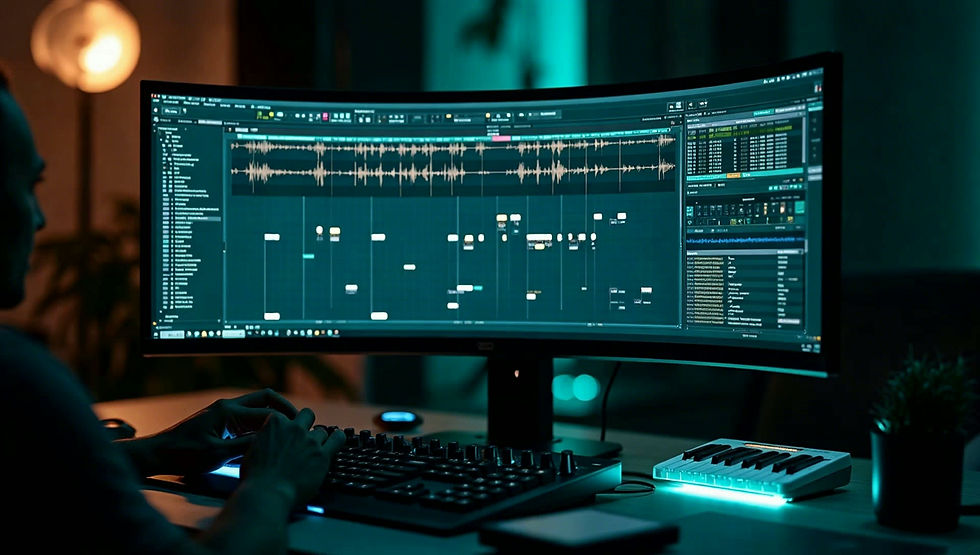
STOP STARTING BEATS. START FINISHING THEM.
The CREATE Kit gives new FL Studio beat makers a simple beat-making framework and professional tools to go from a blank project to a finished, placement-ready beat every single time.
Simple process. Real reps. Real progress.
STUCK IN THE 8-BAR LOOP HOLE?
You open FL Studio, lay down a fire melody, and build a solid drum loop. But then the wall hits. You don't know where to take it next, so you save it as 'New Project 47' and start again. Sound familiar?
The Arrangement Wall: Getting a great 8-bar loop is easy. Turning it into a full 3-minute professional arrangement is where most beat makers get stuck.
Choice Overload: Having 50,000 sounds but no clear framework for which one to add next leads to messy, cluttered projects that never get finished.
The 'Untitled' Graveyard: A folder full of 100 unfinished beats isn't a portfolio—it's a sign that you lack a consistent finishing process.
THE SOLUTION
A COMPLETE FRAMEWORK FOR FINISHED BEATS.
CREATE isn't another long, passive course. It's a practical beat-making system that lives inside FL Studio. You get an organized framework of templates, MIDI tools, and checklists designed to be used while you create, guiding you from a blank project to a polished, finished beat every single time.
Stop watching and start finishing. CREATE is built to be used, not just watched.
WHAT'S INSIDE CREATE
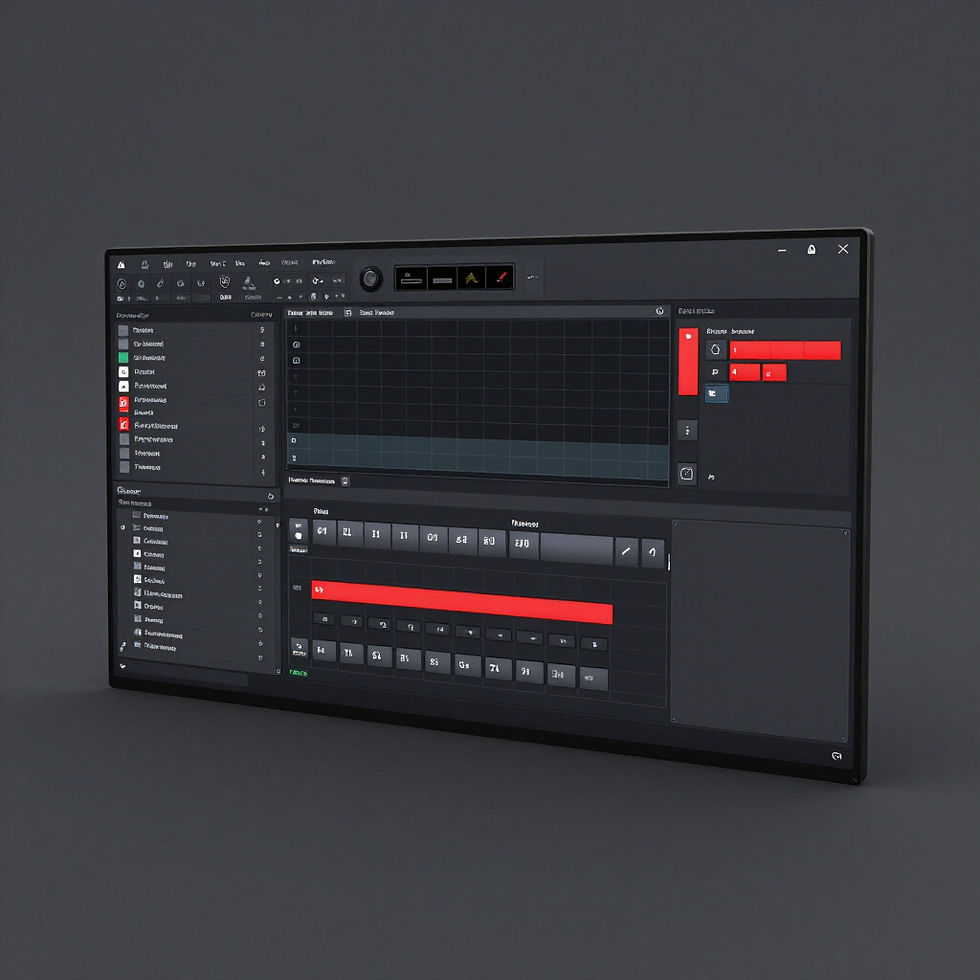
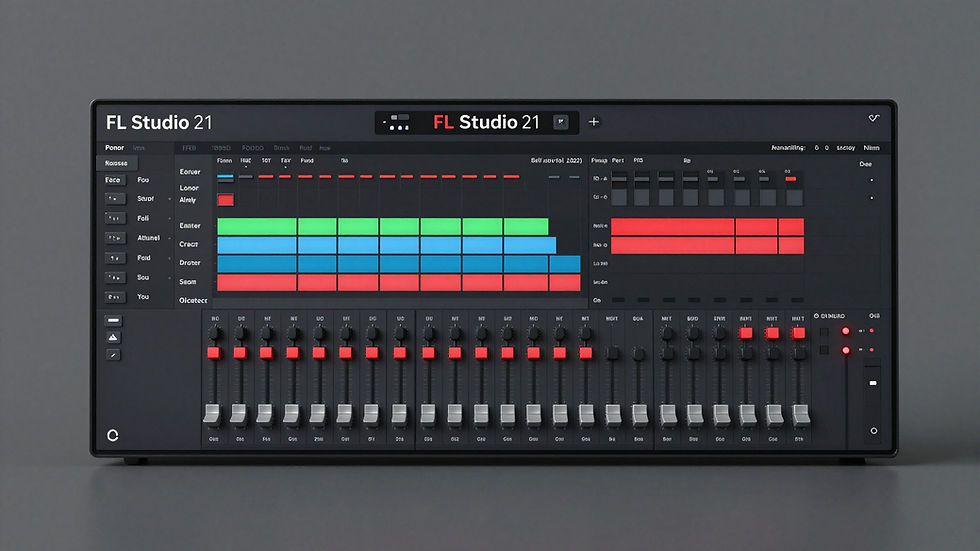
FL Studio Template
A pre-configured project file with professional routing and organizational structure to start beats instantly.
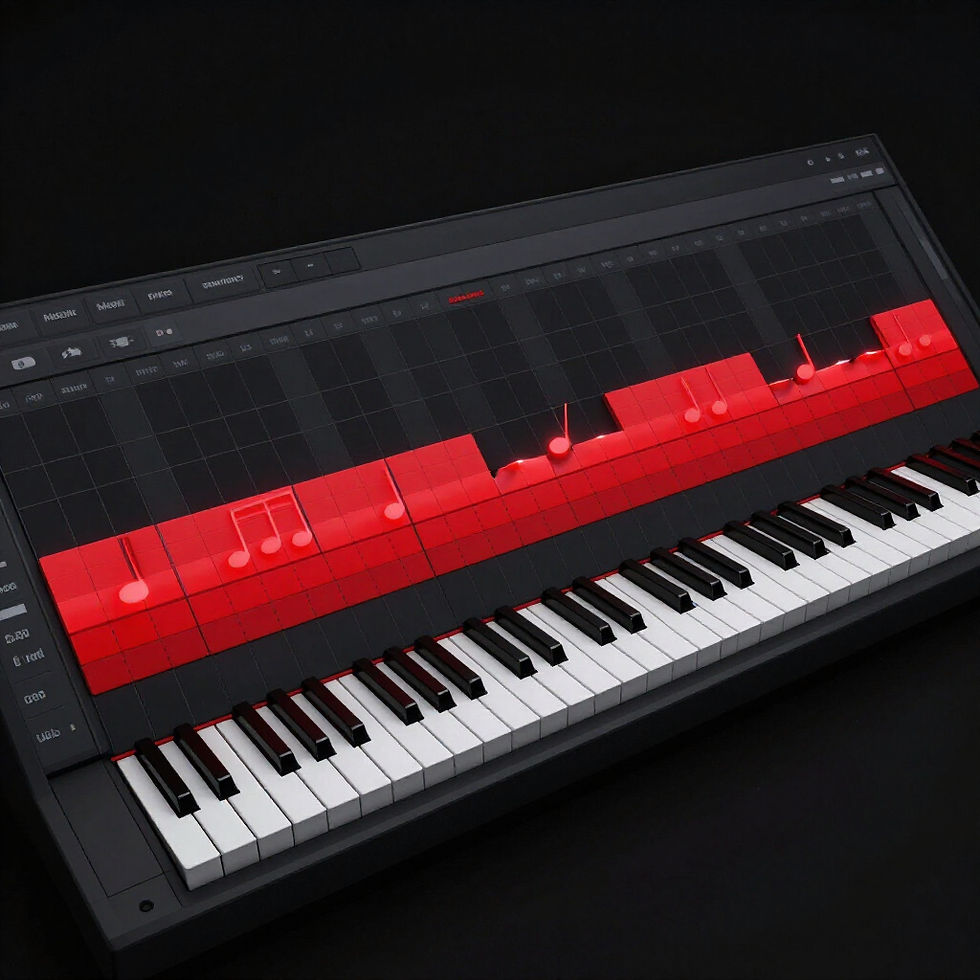
Chords and MIDI
Curated MIDI collections providing the harmonic foundation you need for professional sounding melodies.
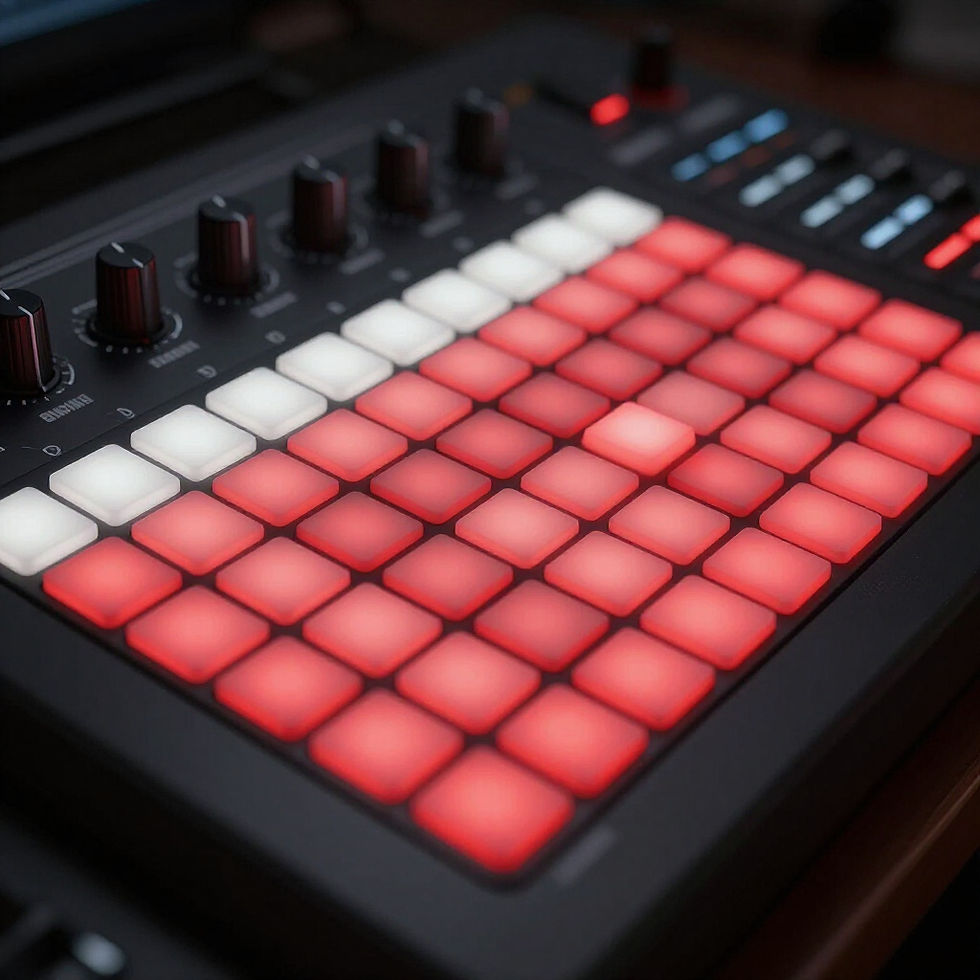
Drum MIDI Framework
Ready-to-use drum patterns and frameworks that capture the bounce of modern production styles.
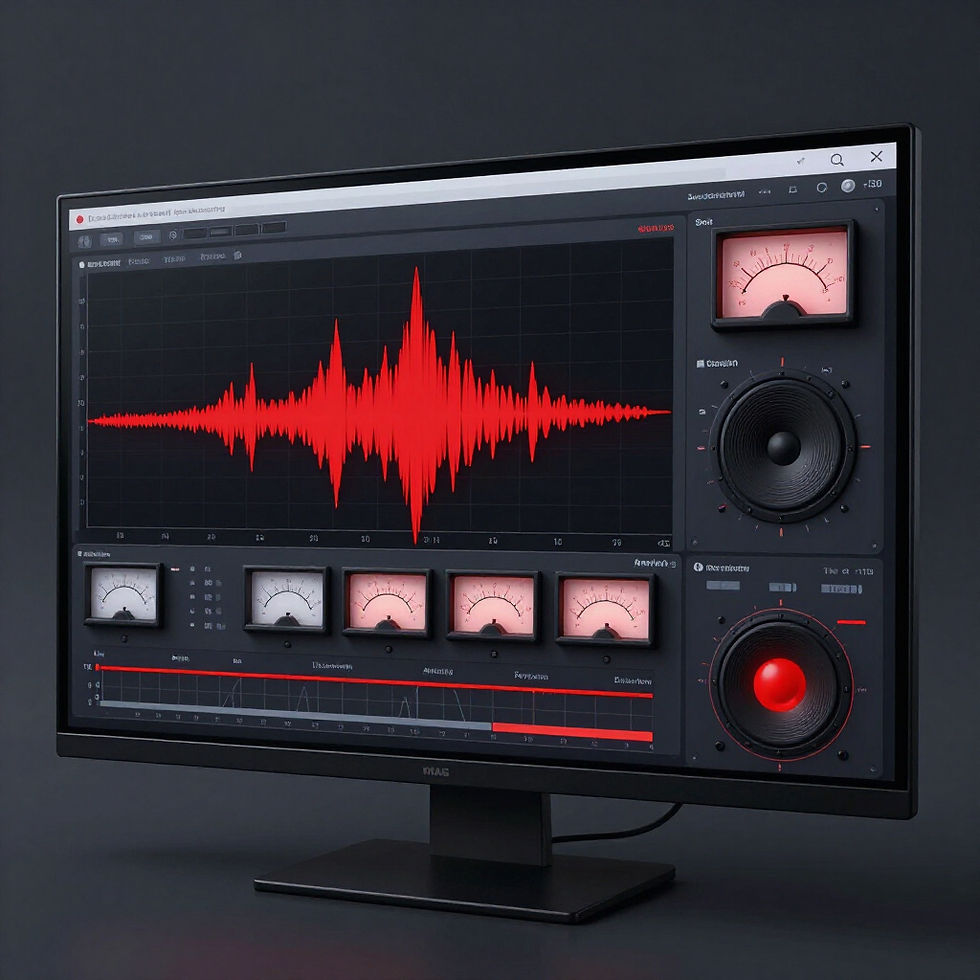
Bass/808 Guidance
Technical guides and resources to ensure your low end hits with professional impact and clarity.
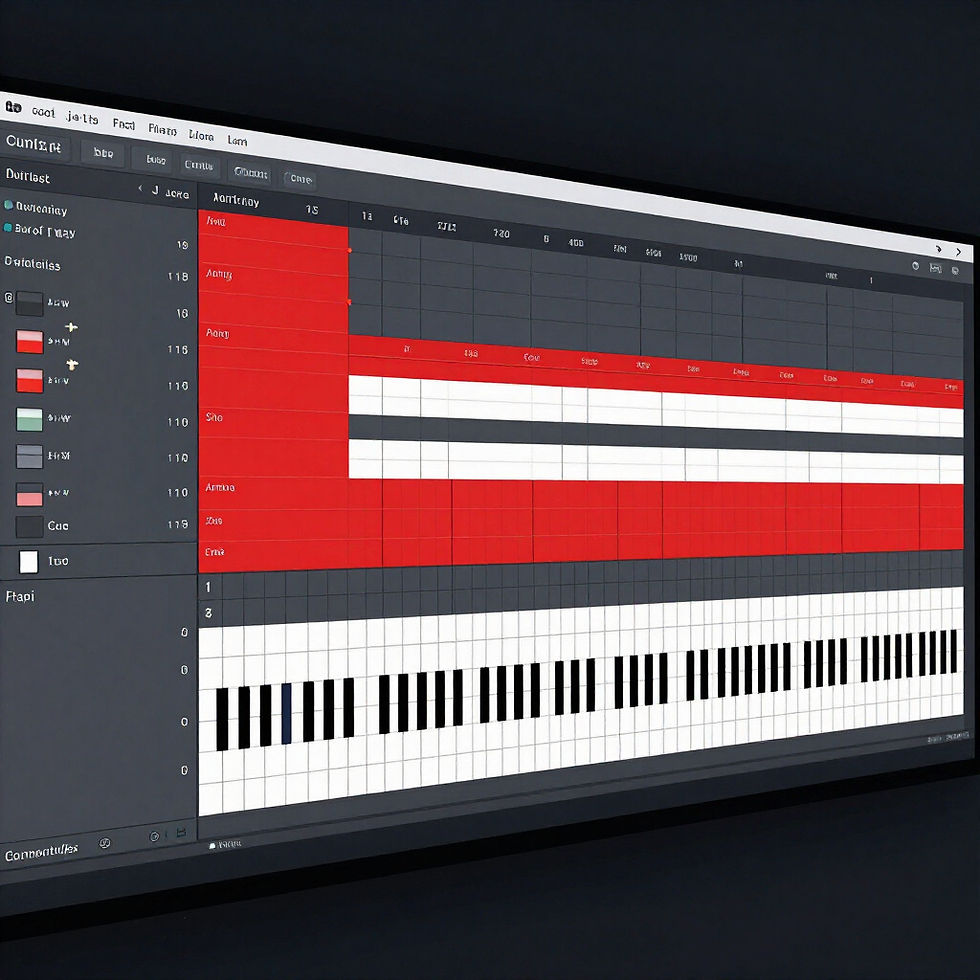
Arrangement Framework
A proven strategy for turning 8-bar loops into full, engaging beat arrangements without getting stuck.
Finishing Checklist
A step-by-step audit to ensure your beat is complete, polished, and ready for export or sale.
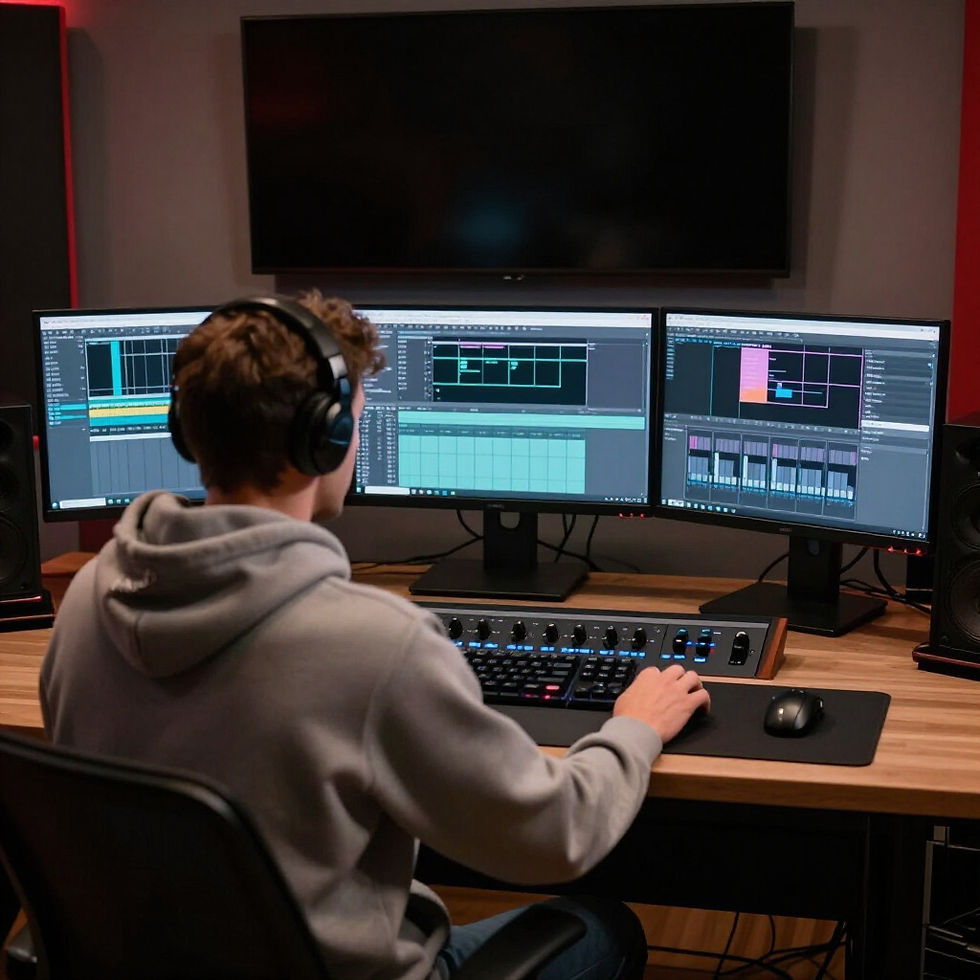
Video Tutorials
Walkthroughs that show you exactly how to implement the CREATE system within your session.
Bonus Resources
Additional tools and production assets to help you maintain a high-level creative momentum.
HOW CREATE WORKS
1
START
Open the CREATE template in FL Studio and set your tempo.
2
CHORDS
Use MIDI folders to quickly build your core musical ideas.
3
DRUMS
Apply drum MIDI frameworks for instant groove and bounce.
4
BASS/808
Follow the bass guidance to glue your low end together.
5
ARRANGE
Use the arrangement framework to finish your full beat structure.
6
FINISH
Run through the finishing checklist and export your track.
CREATE is built for new beat makers who...
- Knows FL Studio basics but feels lost in the software
- Can start ideas but struggles to ever finish them
- Gets stuck immediately after the first loop
- Lacks a consistent, repeatable beat-making process
- Wants practical tools instead of another long, boring course

SEE WHAT YOU’RE GETTING
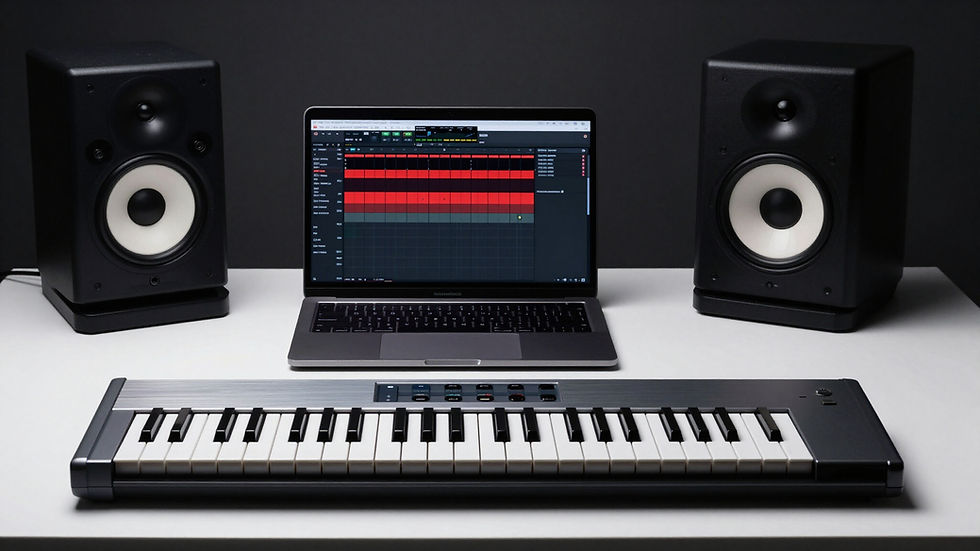
Inside the CREATE Kit, you'll find an organized system built for speed. Explore the professional FL Studio template, clear MIDI structures, and the finishing checklists that turn messy projects into polished records.
THE CREATE KIT
- FL Studio Template
- Chords & MIDI Pack
- Drum MIDI Framework
- Bass & 808 Guidance
- Arrangement System
- Finishing Checklist
- Deep-Dive Tutorials
$47
CREATE gives new beat makers a process and the tools to turn ideas into finished beats.
Simple process. Real reps. Real progress.